
Whatsapp: +86-18537309643 Email: cathy@unioncoding.com

Views: 1 Author: Site Editor Publish Time: 2024-01-30 Origin: Site
Maintenance
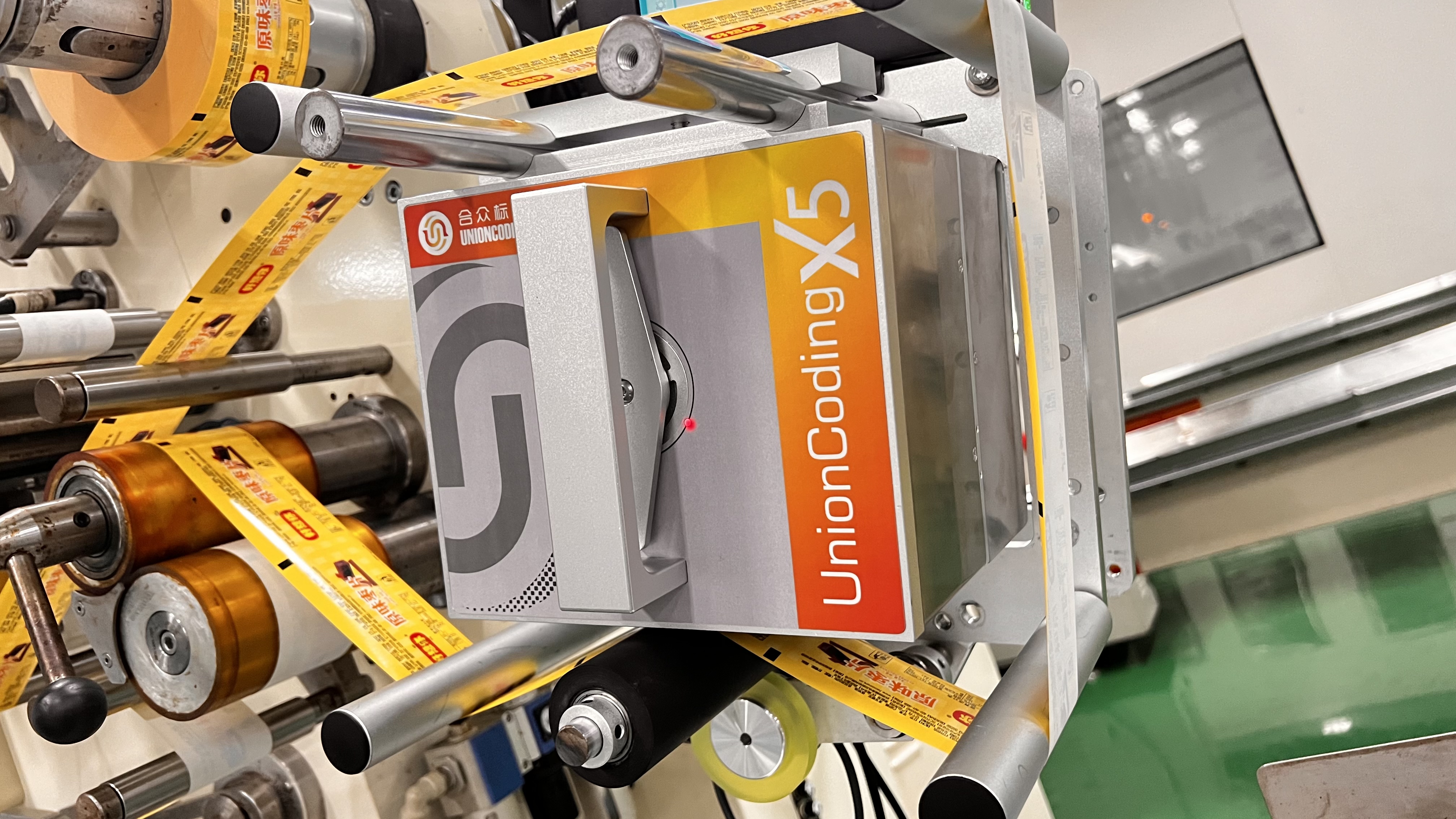
1. Cleaning
To ensure the normal operation of the UC-X3/X5 thermal transfer overprinter, the entire equipment should be cleaned regularly. Pay special attention to the inside of the printer body, especially as food residue can easily get into the printer unit.
(1) Turn off the controller power.
(2) Remove the printer ribbon cartridge and clean the printer body.
(3) Because there are multiple electronic components in this device, never use water to clean the device. You can use isopropyl alcohol cleaning wipes for cleaning.
(4) In order to clean the residue inside the printer body, it is recommended to use a soft brush for cleaning.
2. Maintenance
(1) Check and clean the print head (daily inspection). Use isopropyl alcohol wipes.
(2) Check whether the ribbon passes through the ribbon box correctly. Pull the ribbon manually to check for wrinkles across the entire width of the ribbon.
(3) Check whether there are large ink stains on the peeling shaft, clean it if necessary, and use isopropyl alcohol to wipe the paper.
(4) Check the condition of the roller rubber (continuous printer). Can be cleaned or replaced if necessary. The rubber surface of the roller must be smooth, flat, and free of residue.
(5) Check for wear or internal debris.
(6) Only after the external cables are correctly connected to each device can power be supplied to the device.
3. Regular monthly inspections
(1) Check the condition of the ribbon sensor reel. Check the reel for wear or damage. If worn or damaged, replace the reel.
(2) Please ensure that all spools are flat to the ribbon cassette or printer.
(3) Check the magnets for any damage or misalignment. This magnet is used for ribbon detection and ribbon calibration.
(4) Print a test image to check the print head quality and alignment.
(5) Check the condition of the print head bracket drive belt and its related components: slide rails, bearings, retainers and shafts.
(6) Ensure that the tension reel can move freely.
4. Maintain the print head
(1) Although the print head is specially designed according to its application, the print head may still wear or break. When it comes to printheads, special considerations need to be given during installation and regular preventive maintenance can go a long way in extending the life of the printhead.
(2) The most likely cause of damage to the print head is wear: intrusion of air particles or rough substrate surface. As a result, printhead life varies greatly depending on substrate material and application.
(3) The thermal transfer ribbon will protect the print head from wear and tear. Using ribbons of different widths and rough substrates can expose unused, unprotected parts of the printhead to wear and damage. Typically, rough substrates have preprinted ink. In particular, some red inks may be harsher than others.
(4) The operating steps of all thermal conduction printers are as follows:
1) Clean the print head regularly, the frequency of cleaning depends entirely on the specific application and environment.
2) In order to minimize the wear of the print head, the minimum pressure value is usually used to provide acceptable print quality.
3) Use the minimum concentration setting that provides the required quality.
5. Clean the print head
The print head should be cleaned regularly. The frequency of cleaning depends on the use of the equipment, the environment in which it is operated, and the choice of thermal conductive ribbon. Turn off the printer power and remove the ribbon cartridge. To avoid the possibility of thermal shock damage, allow the print head temperature to cool to normal room temperature before continuing to print. Use a cotton ball or soft cloth soaked in isopropyl alcohol to remove all residue on the print head. Be careful not to use too much isopropyl alcohol. The print line is at the diagonal corner of the print head.
If you have any other questions about the UC-X3/X5 thermal transfer overprinter, please contact me